
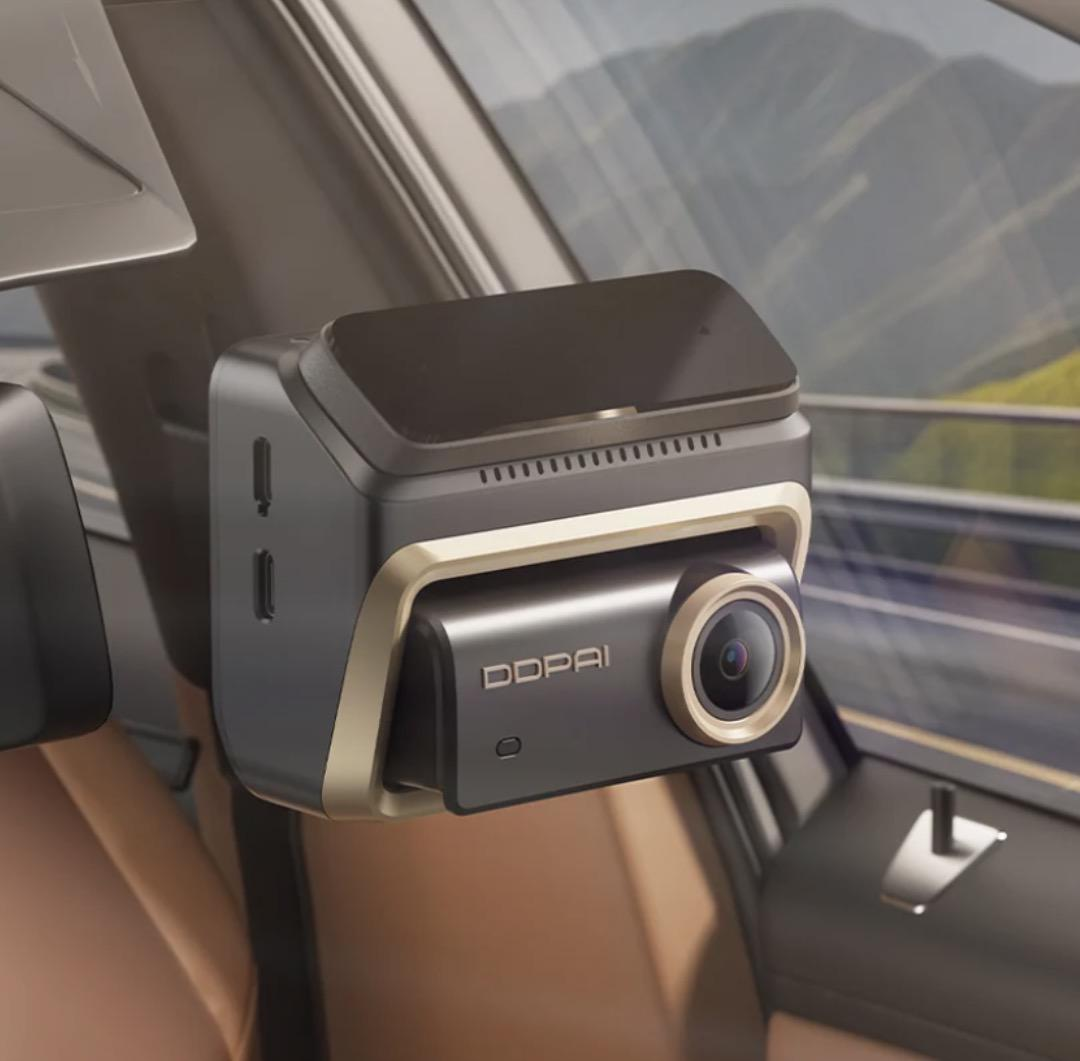
Navigating bustling city streets and winding provincial roads requires constant vigilance from every motorist. For drivers across the country, ensuring vehicle safety and securing dependable video evidence after an unexpected incident has become a top priority. Road disputes, accidental collisions, and insurance claim investigations all rely heavily on clear, complete video records, making well-configured dash cam equipment an essential safety accessory for private vehicles.
Many vehicle owners frequently wonder how to set up their recording equipment properly so that it captures every crucial detail without draining the car battery or obstructing the driver’s line of sight.

When looking for reliable solutions, drivers frequently turn to established names in the industry, such as DDPAI, which provides robust in-vehicle monitoring technologies backed by a dedicated local team, offline installation support, and fast logistics designed to meet modern driving demands. Understanding the technical nuances of setup and maintenance helps motorists maximize their equipment’s lifespan and effectiveness on the road.
Selecting Reliable Hardware for Long-Term Road Use
Before beginning the physical installation process, selecting the right hardware plays a foundational role in overall recording effectiveness. A dependable device needs to withstand fluctuating weather conditions, especially under intense tropical heat where internal cabin temperatures can soar dramatically.
Advanced models utilize supercapacitor power designs, allowing equipment to operate stably within extreme temperature ranges of -20°C to 70°C while minimizing potential safety risks associated with traditional lithium-ion batteries.
Furthermore, investing in a professional dash cam from curated lineups like the Z series gives motorists access to high-end configurations, dual-storage systems, and seamless smartphone integration that simplify daily operations and elevate driving confidence. Premium-grade hardware also delivers more stable recording during long-hour commutes, avoiding sudden shutdowns or frame drops that often plague low-quality generic devices.
Choosing the Ideal Windshield Mounting Position
The first practical step in physical setup is determining the optimal mounting location on the windshield. Positioning the unit improperly can lead to blind spots, distorted angles, or illegal windshield obstructions that violate local traffic regulations. Ideally, the device should be mounted right behind or adjacent to the rearview mirror, ensuring it remains completely out of the driver’s direct field of view while centering the camera lens on the road ahead.
In busy urban environments like Metro Manila, where sudden lane changes and unpredictable traffic maneuvers are common, a central mounting position guarantees that lane markings, surrounding vehicles, and traffic signals are captured accurately from a balanced and distortion-free perspective.
Safe Wiring and Power Connection Setup
Once the mounting spot is securely fastened, hiding the power cables along the headliner, pillar trim, and passenger-side footwell prevents loose wires from dangling and distracting the driver. Power connection methods vary depending on whether users rely on a standard cigarette lighter adapter or an intelligent hardwire kit.
Utilizing a hardwire kit enables continuous 24-hour parking monitoring while offering low-voltage battery protection to prevent unexpected vehicle battery drainage during long parking periods. For motorists purchasing through local partner networks in the region, DDPAI Philippines offers extensive offline installation support through authorized partner stores, making professional setup accessible and straightforward for everyday car owners.
Key Software and Mobile App Optimization Steps
Physical installation is only half the battle; software configuration and app optimization are equally important for achieving peak recording performance. Modern devices support multiple connection methods via Bluetooth and Wi-Fi, allowing users to pair their smartphones instantly for live previews, video downloads, and firmware updates.
Adjusting camera settings such as G-sensor sensitivity, loop recording intervals, and resolution preferences ensures that storage is utilized efficiently without losing critical events. For instance, drivers seeking crystal-clear visual documentation often choose a 4K dash cam, which can capture sharp footage to identify license plates, road signs, and fine details in low-light night scenarios and bright daytime conditions.
Leveraging Dual-Storage Technology for Data Security
Optimizing performance also involves understanding advanced internal safety mechanisms, such as dual-storage technology. Incidents can happen abruptly, and memory card failures can compromise vital footage when it is needed most. Advanced models feature built-in eMMC storage ranging from 32GB to 128GB alongside traditional microSD card expansion slots.
If a memory card error occurs during a sudden collision, the system automatically switches to internal storage to safeguard crucial video files. Drivers should routinely test these backup functions, check lens cleanliness, and format storage cards every few months to maintain optimal read-and-write speeds and ensure reliable recording consistency over time.
Final Benefits of Standardized Installation and Maintenance
Proper installation and thoughtful optimization transform a standard vehicle accessory into a powerful, reliable tool for safeguarding daily journeys. By carefully positioning the hardware, concealing wires safely, and configuring app-based settings to match daily driving habits, motorists can ensure consistent recording reliability. Taking time to maintain the device regularly provides greater peace of mind on every trip, allowing drivers to focus on the road ahead with confidence and security.
