
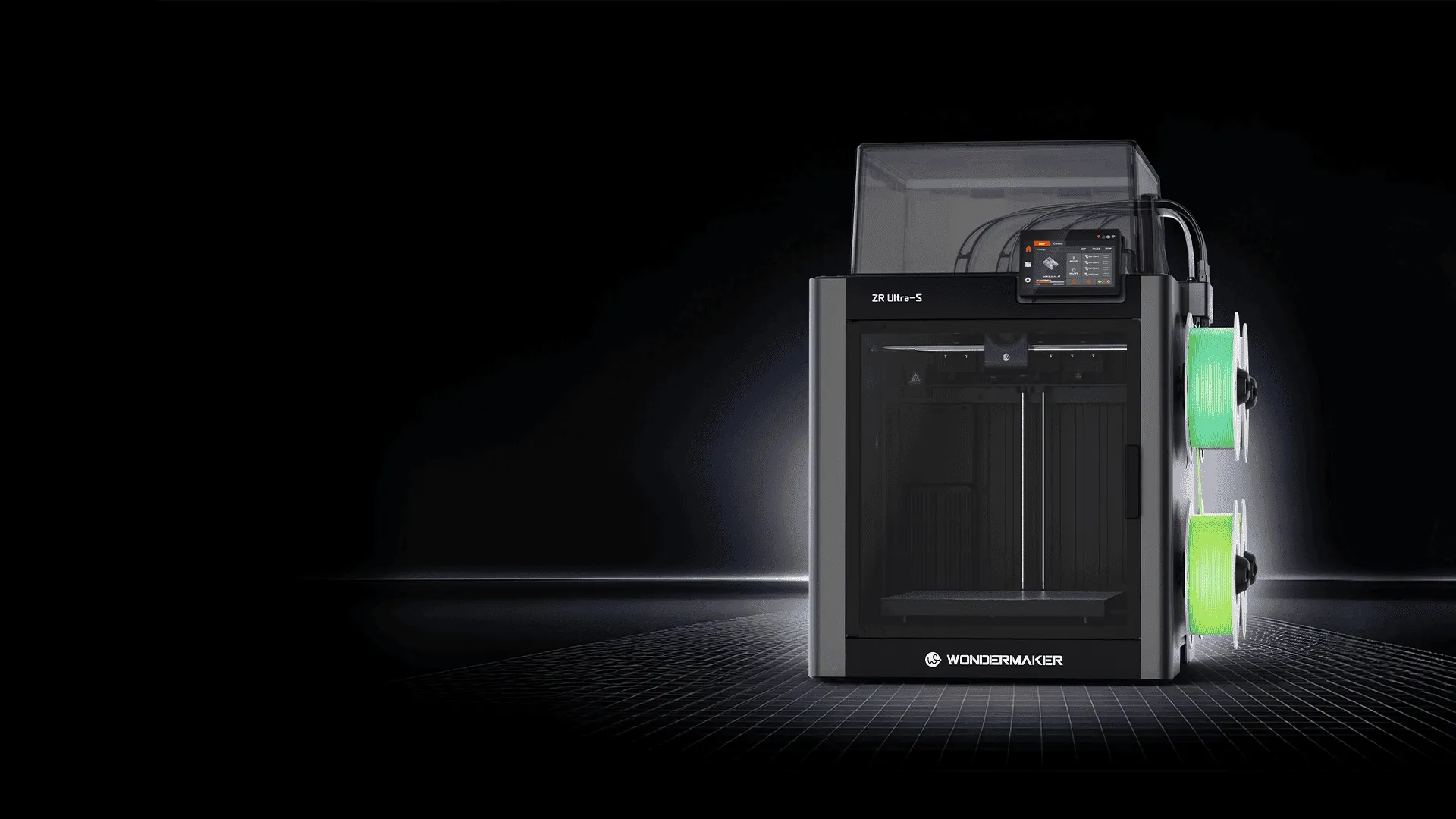
Choosing a 3D printer involves more than comparing print speed, build volume, or resolution. The printer’s physical design can also affect print consistency, material compatibility, noise, and overall usability. For users who work with different filaments or want a more controlled printing environment, an enclosed 3D printer can offer several practical advantages.
For anyone researching the best enclosed 3D printer, it is important to understand what the enclosure actually does and which features matter in everyday use. A well designed enclosed printer can provide a more stable printing environment while also making the machine easier to use in shared or home workspaces.

How Does an Enclosed 3D Printer Work?
An enclosed 3D printer places the printing area inside a surrounding structure, usually with doors or transparent panels that allow users to observe the print. Depending on the design, the enclosure may also incorporate ventilation, filtration, temperature monitoring, and other environmental controls.
The main purpose is to reduce the influence of external conditions on the printing process. Temperature changes, drafts, and airflow can affect how molten filament cools and contracts. By limiting these factors, an enclosure can help create more consistent conditions around the print.
This does not mean that every enclosed printer automatically produces better results. The quality of the motion system, extruder, hotend, build plate, software, and temperature management still plays an important role.
Why Temperature Stability Matters for 3D Printing
Different 3D printing materials respond differently to temperature changes. Common materials such as PLA are generally easier to print, while materials such as ABS and other engineering filaments can be more sensitive to cooling and drafts.
When a printed layer cools unevenly, different sections of the model can contract at different rates. This may contribute to problems such as warping, corner lifting, or layer separation. An enclosure can reduce sudden temperature fluctuations and help maintain a more stable environment around the model.
For users who frequently print larger models or materials that are more sensitive to thermal changes, this can be an important consideration when comparing enclosed 3D printers.
Better Material Compatibility
Material selection is another reason users may consider an enclosed design. An open frame printer can be suitable for many everyday applications, particularly when printing with relatively easy materials. However, users working with a wider range of thermoplastics may benefit from having greater control over the printing environment.
When evaluating the best enclosed 3D printer, users should therefore look beyond the enclosure itself. The maximum nozzle temperature, heated bed temperature, recommended filament types, chamber design, and manufacturer’s material guidance should all be considered together.
For example, a printer that supports higher temperature printing but lacks appropriate thermal management may not provide the expected benefits for every engineering material.
Does an Enclosure Improve Print Quality?
An enclosure can contribute to more reliable printing, but it is only one part of the equation. Consistent print quality depends on several factors, including mechanical precision, extrusion control, bed leveling, filament condition, slicing settings, and temperature management.
The enclosure is particularly useful when environmental changes are likely to affect the material. It can reduce direct drafts from air conditioning, fans, or open windows and create a more predictable printing space.
For large prints, these benefits can become more noticeable because the model has more time and surface area through which temperature changes can influence the material.
Noise and Workspace Considerations
An enclosed structure can also make a 3D printer more suitable for shared environments. The enclosure itself does not eliminate mechanical noise, since motors, fans, and moving components still produce sound. However, surrounding panels can help reduce some of the sound produced during operation.
The enclosure can also provide a physical barrier between the moving components and the surrounding workspace. This can be useful for home offices, classrooms, studios, and other environments where the printer operates near people.
Users should still consider ventilation requirements, particularly when printing materials that may release noticeable odors or airborne particles. An enclosure should not be treated as a substitute for appropriate ventilation or manufacturer recommended safety practices.
What Should You Look for in an Enclosed 3D Printer?
A good enclosed 3D printer should match the user’s actual printing requirements. Build volume is important for larger models, while nozzle and bed temperature capabilities matter when working with different materials. Automatic bed leveling, filament detection, print monitoring, and reliable motion components can also improve day to day usability.
Temperature management deserves particular attention. A completely sealed chamber is not necessarily better for every filament. Some materials benefit from controlled warmth, while others are commonly printed under more moderate conditions. A printer with thoughtful thermal management gives users more flexibility than simply adding an enclosure around an open frame machine.
Ease of maintenance should also be considered. Access to the print area, removable panels, replaceable components, and the availability of manufacturer support can influence the long term ownership experience.
How WonderMaker 3D Fits Into the Enclosed Printer Category
WonderMaker 3D offers enclosed 3D printing equipment designed around a more controlled printing environment. The ZR Ultra S, for example, uses an enclosed structure that allows users to monitor the printing process while keeping the build area separated from the surrounding workspace.
For users comparing different models, WonderMaker 3D can be considered alongside other enclosed printers based on practical factors such as build requirements, supported materials, temperature capabilities, operating environment, and maintenance needs. Rather than choosing a printer simply because it has an enclosure, buyers should evaluate how the entire system supports their intended applications.
Is an Enclosed 3D Printer Right for You?
An enclosed design can be especially useful for users who want more consistent environmental conditions, plan to work with a broader range of filaments, or need a printer that fits comfortably into a shared workspace. It can also provide practical benefits for larger or more temperature sensitive prints.
However, an enclosure is not essential for every user. If most projects involve PLA and other relatively easy materials, an open printer may already meet the requirements. The right choice ultimately depends on materials, model size, workspace conditions, and the level of environmental control required.
Understanding these factors makes it easier to identify the best enclosed 3D printer for a particular workflow. Instead of focusing on enclosure design alone, consider the printer as a complete system and evaluate how its temperature management, hardware, material support, and usability align with your actual printing needs.
